 mguardapp
Managed device setup
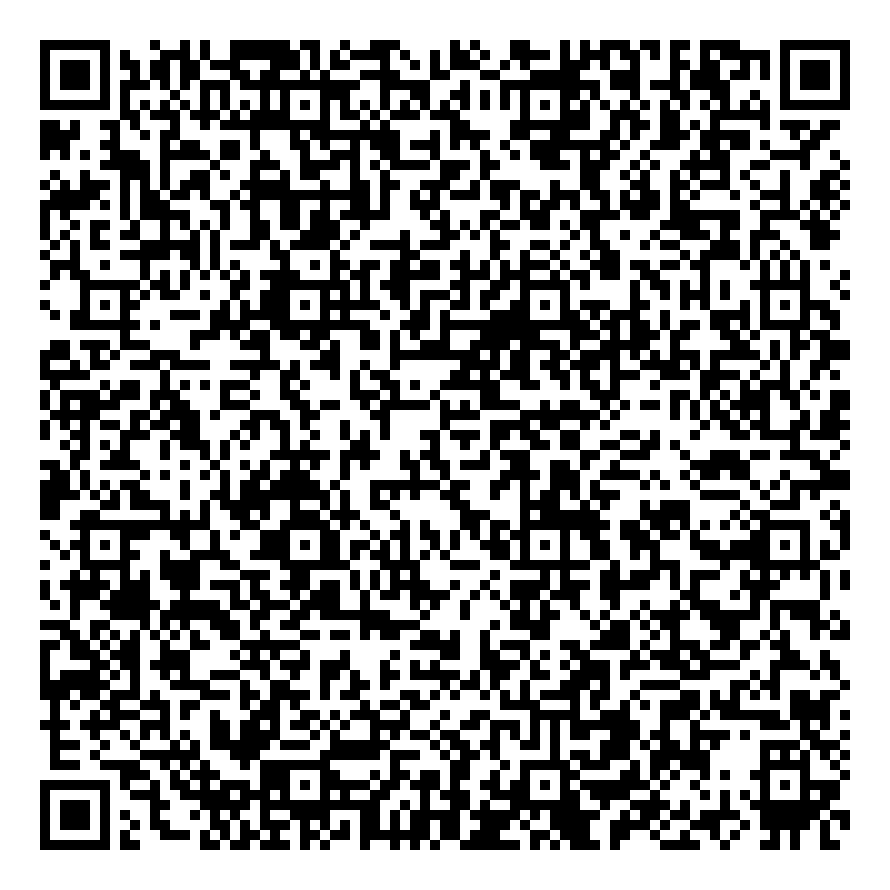
Scan this QR on the new phone
This installs mguardapp and sets it up as the device manager automatically — no manual app install needed.
mguardapp v1.5.0
1On the brand-new (or factory-reset) phone, go to the Welcome screen and tap the same spot on the screen 6 times.
2Connect to Wi-Fi when asked, then point the camera at the QR code above.
3The phone will download mguardapp and finish setup by itself. Keep it connected to Wi-Fi/internet until it's done.
4After setup, enter the 6-digit activation code given by the shop to finish activation.
This QR only works on a phone that is new or has just been factory-reset, and on Android 9 or later (some brands support this from Android 7+). If the Welcome screen doesn't open a camera after step 1, install mguardapp manually and enable Device Admin from inside the app instead.